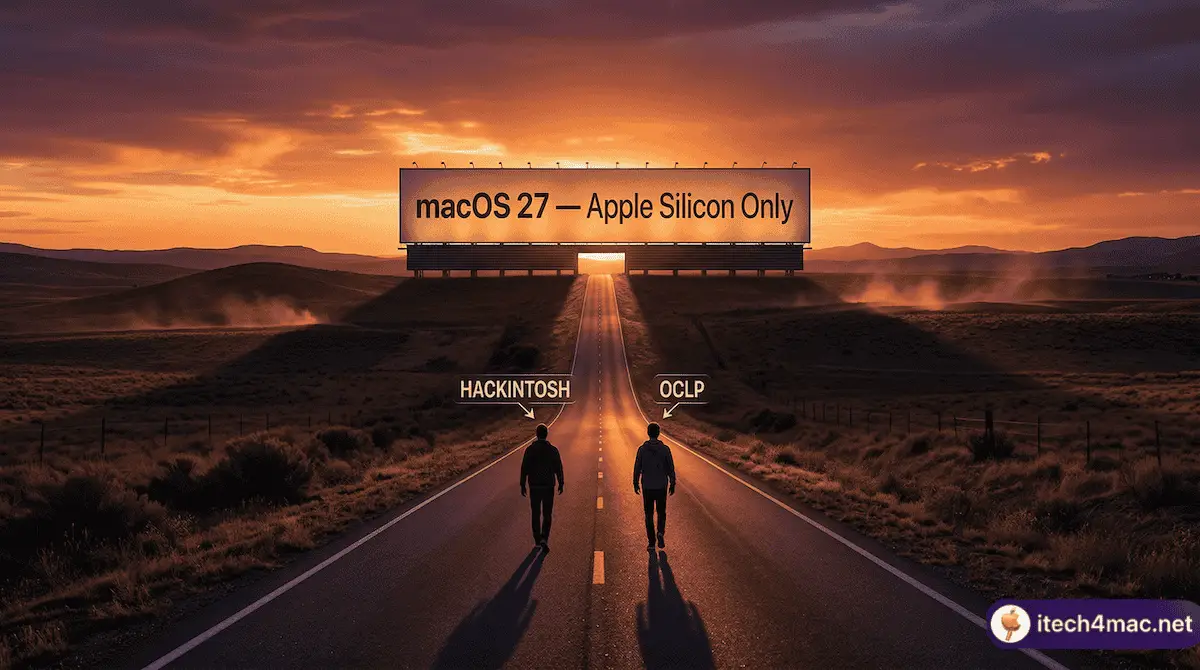
OCLP and Hackintosh are both Intel-based macOS projects that use the OpenCore bootloader – but they solve different problems, serve different users, and face different timelines as Apple moves to Apple Silicon exclusively. Here is the complete comparison in 2026.
OCLP vs Hackintosh: two very different use cases, both sharing OpenCore roots, both facing the same sunset
The Core Difference
OCLP
Hackintosh
What it does
Runs newer macOS on real, genuine Apple Mac hardware that Apple no longer officially supports
Runs macOS on non-Apple (PC) hardware
Hardware
Genuine Apple Intel Macs (MacBook, iMac, Mac mini, Mac Pro)
Generic Intel PCs with compatible components
Bootloader
OpenCore (customised by Dortania)
OpenCore (configured manually per hardware)
Difficulty
Moderate — guided GUI tool
Advanced — manual EFI configuration
Legality
Grey area — Apple’s EULA restricts running macOS on non-Apple hardware; OCLP bypasses hardware checks on Apple hardware
Violates Apple’s EULA — not technically illegal in most countries but prohibited by license
Stability
High for supported configurations
Variable — depends on PC hardware compatibility
Community support
r/OpenCoreLegacyPatcher, Dortania Discord
r/hackintosh, tonymacx86
Current Status in 2026
OCLP Status
OCLP 2.4.1 = last stable release, supports macOS Sequoia
OCLP 3.0.0 = in development for Tahoe, no stable release, lead developer left
Donations closed as of March 22, 2026
macOS 27 will be Apple Silicon only — OCLP cannot work on a macOS with no Intel code to patch
Hackintosh Status
macOS Tahoe runs on Hackintosh — the community had it working on compatible hardware within a week of the first beta
macOS 27 is expected to be Apple Silicon only, which removes all Intel code — Hackintosh will face the same wall as OCLP
Some community members are exploring x86 emulation of Apple Silicon macOS, but this is highly speculative
Hackintosh setups can currently run macOS Tahoe — but macOS 27 will end that too
Which One Is Dying First?
Ironically, OCLP may run out of time before Hackintosh for macOS Tahoe specifically — because OCLP 3.0.0 has not shipped a stable release, while Hackintosh users are already running Tahoe. However, macOS 27 will end both projects on the same timeline: when Apple removes Intel code entirely, there is nothing left to patch or emulate.
The realistic view:
OCLP: May deliver Tahoe support eventually. Will definitely end with macOS 27.
Hackintosh: Working on Tahoe now. Will also end with macOS 27 unless emulation becomes viable.
Both: macOS Tahoe is the last chapter for Intel macOS — for Apple hardware and non-Apple hardware alike.
Which Should You Use?
The answer depends entirely on your hardware:
You own a genuine old Apple Mac: Use OCLP. It is purpose-built for your hardware, more stable, and easier.
You want to run macOS on a PC: Hackintosh with OpenCore is your only realistic option. Be prepared for a technically demanding setup.
You want long-term macOS support: Buy an Apple Silicon Mac. Neither OCLP nor Hackintosh has a future beyond Tahoe.
💡 Thinking long-term? Both projects face the same sunset. If you depend on macOS for professional work, start planning an Apple Silicon upgrade before macOS 27 ends Intel support in 2027.