What Is the Difference Between OCLP and Hackintosh?
Enthusiasts using legacy Macs or non-Apple hardware often explore tools like OpenCore Legacy Patcher (OCLP) and Hackintosh to run modern macOS versions. While both enable macOS on unsupported systems, they serve different purposes, target distinct hardware, and vary in complexity.
This guide, tailored for iTech4Mac.net readers, breaks down the key differences between OCLP and Hackintosh based on current community insights and documentation, helping you choose the right approach for your setup.
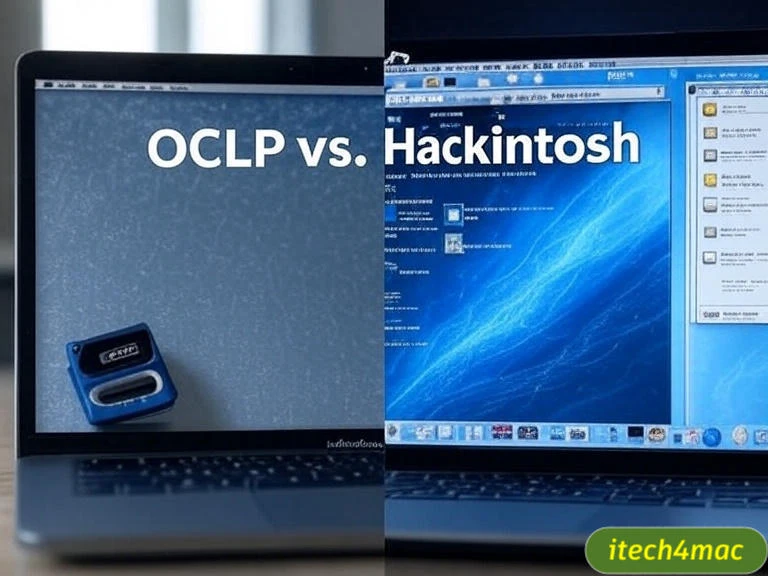
Overview of OCLP and Hackintosh
- OpenCore Legacy Patcher (OCLP): A tool designed by the Dortania team to patch and run modern macOS (e.g., Tahoe 26) on Apple hardware that Apple no longer supports, such as 2012 MacBook Pros or 2010 iMacs. It uses OpenCore as a bootloader and focuses on maintaining compatibility with Apple’s ecosystem.
- Hackintosh: A community-driven method to install macOS on non-Apple hardware (e.g., PCs with Intel or AMD CPUs) using custom bootloaders like OpenCore or Clover, requiring significant manual configuration.
Both rely on OpenCore, an open-source bootloader, but their goals and implementation differ.
Key Differences Between OCLP and Hackintosh
1. Hardware Compatibility
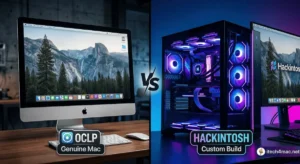
- OCLP: Targets only Apple-manufactured Macs, leveraging their native firmware (EFI) and hardware. It extends support for older models by patching macOS to recognize outdated components.
- Hackintosh: Runs macOS on generic PCs, requiring compatible CPUs (mostly Intel), GPUs, and peripherals that mimic Apple hardware (e.g., NVIDIA or AMD with specific drivers).
- Verdict: OCLP is Apple-exclusive; Hackintosh is for non-Apple builds.
2. Purpose and Use Case
- OCLP: Aims to keep legacy Apple devices functional with the latest macOS for users who want to avoid hardware upgrades while staying in Apple’s ecosystem.
- Hackintosh: Created for cost-effective macOS use on custom PCs, appealing to developers, designers, or enthusiasts who prefer building their own systems.
- Verdict: OCLP preserves existing Macs; Hackintosh builds new ones.
3. Installation Complexity
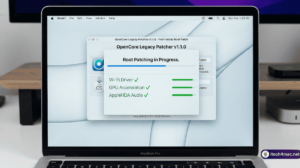
- OCLP: Offers a user-friendly GUI and automated patching process. Users run the app, select their macOS version, and apply updates with minimal manual tweaks.
- Hackintosh: Requires advanced knowledge—manual configuration of EFI files, kexts, and drivers (e.g., Lilu, WhateverGreen) tailored to specific hardware.
- Verdict: OCLP is beginner-friendly; Hackintosh demands expertise.
4. Stability and Maintenance
- OCLP: Generally stable on supported Apple hardware, with regular updates from Dortania to handle macOS changes (e.g., Tahoe 26 patches).
- Hackintosh: Stability varies based on hardware compatibility and user skill, with frequent updates needed for new macOS releases or hardware changes.
- Verdict: OCLP is more reliable; Hackintosh requires ongoing effort.
5. Legal and Support Considerations
- OCLP: Operates within Apple’s EULA since it uses Apple hardware, though it voids official support for unsupported models.
- Hackintosh: Violates Apple’s EULA on non-Apple hardware, risking legal issues and no official support—reliant on community forums.
- Verdict: OCLP is safer legally; Hackintosh carries risks.
6. Update Process
- OCLP: Handles minor updates (e.g., 26.0.1 to 26.0.2) via its app, applying patches automatically.
- Hackintosh: Requires manual EFI updates and kext adjustments for each macOS update, often breaking compatibility.
- Verdict: OCLP simplifies updates; Hackintosh complicates them.
7. Hardware Requirements
- OCLP: Uses existing Apple hardware, needing only sufficient RAM (4GB minimum) and storage (20GB free).
- Hackintosh: Needs a custom PC with specific components (e.g., Intel i5/i7, compatible GPU), costing $500-$1000+ to build.
- Verdict: OCLP leverages current gear; Hackintosh requires investment.
Quick Comparison Table
| Feature | OCLP | Hackintosh |
|---|---|---|
| Hardware | Apple Macs only | Non-Apple PCs |
| Complexity | Low (GUI-based) | High (manual config) |
| Stability | High (patched Apple HW) | Variable (hardware-dependent) |
| Legality | Within EULA (unsupported) | Violates EULA |
| Update Ease | Automated | Manual |
| Cost | Free (existing Mac) | $500+ (new build) |
Which Should You Choose?
- Choose OCLP if you own a legacy Mac (e.g., 2012 Mac mini) and want to run Tahoe 26 without buying new hardware. It’s ideal for users seeking simplicity and Apple ecosystem integration.
- Choose Hackintosh if you’re building a custom PC and want macOS for software like Final Cut Pro at a lower cost than a Mac Studio. Be prepared for a steep learning curve.
Prevent Common Pitfalls
- OCLP: Keep the app updated and back up before major patches.
- Hackintosh: Research hardware compatibility lists (e.g., tonymacx86) and test with a USB installer first.
finally
OCLP and Hackintosh both extend macOS to unsupported systems, but OCLP is tailored for legacy Apple Macs with ease of use, while Hackintosh targets custom PCs with greater flexibility at higher complexity. Your choice depends on your hardware and technical comfort. Share your setup or questions in the comments! For more legacy Mac tips, visit iTech4Mac.net.
CTA: Explore our OCLP installation guide or Hackintosh basics.





1 thought on “What Is the Difference Between OCLP and Hackintosh?”