The End of an Era: Why macOS 26 Tahoe is the Final Chapter for Intel Macs (And What You Should Do)
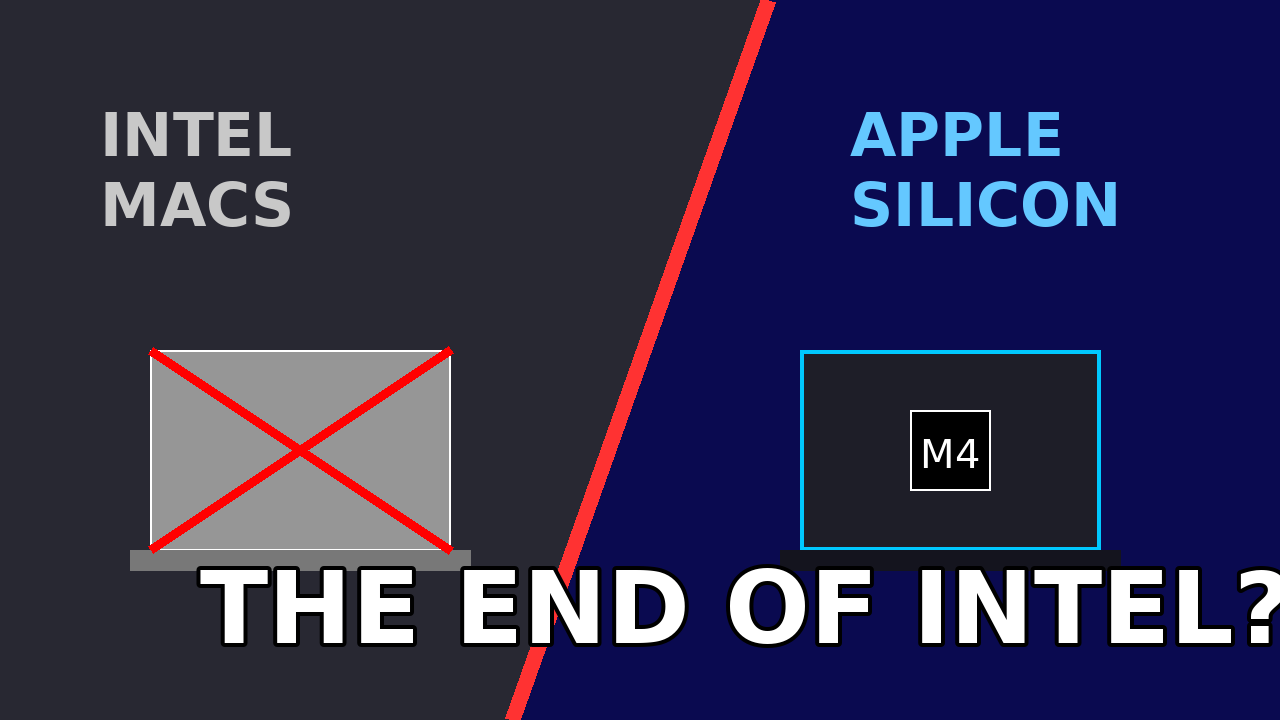
The writing has been on the wall since 2020, but now the ink is dry. With the release of macOS 26 (Tahoe), Apple has effectively signaled the final curtain call for the Intel era.
For six years, Apple has maintained a delicate balancing act, pushing the boundaries of their custom “M-series” Silicon while dragging the legacy Intel architecture along for the ride. That ride is now over. While macOS Tahoe technically supports a handful of late-model Intel machines, the message from Cupertino is louder than ever: “The sooner you can get off it, the better. We are done.”
If you are reading this from a 2019 MacBook Pro or a 2020 Intel iMac, don’t panic. Your computer isn’t going to explode tomorrow. However, your relationship with macOS is about to change drastically. This guide covers everything you need to know about the transition, the risks of staying behind, and the community tools that might just keep your vintage machine alive for a few more years.
The Writing on the Wall: What “Last Supported Version” Actually Means
When we say macOS Tahoe is likely the “last” version for Intel, we aren’t just guessing. We are looking at the code.
macOS 26 is heavy. It is built around “Apple Intelligence“—a suite of AI-driven features that rely heavily on the Neural Engine (NPU) found exclusively in Apple Silicon chips. While Intel Macs can run the basic operating system, they are increasingly being locked out of the core features that make the update worthwhile. You are getting the shell of the OS, but not the soul.
The “Soft” Death vs. The “Hard” Death
It is important to understand that Apple rarely kills a device overnight. Instead, they manage a “soft death.”
- Day 1 (Release of macOS 27): Your Intel Mac will not get the new OS.
- Year 1-2: You will still receive security patches for macOS Tahoe.
- Year 3: Security updates stop. Browsers (Chrome, Safari) eventually stop updating.
- Year 4: The computer becomes unsafe for internet banking.
We are currently at the “Soft Death” stage. You have a functioning machine, but you are officially a second-class citizen in the Apple ecosystem.
The Performance Gap: Why Intel Struggles with Tahoe
You might be thinking, “My i9 MacBook Pro is still fast! Why does Apple want me to upgrade?”
It is not about raw CPU speed; it is about architecture. Modern macOS is optimized for Unified Memory Architecture (UMA). Apple Silicon chips share memory between the CPU and GPU instantly. Intel Macs, with their separate RAM and VRAM, have to spend precious milliseconds copying data back and forth.
In macOS Tahoe, background processes—from indexing your photos to predicting your text—are optimized for UMA. On an Intel Mac, these background tasks chew through battery life and cause the fans to spin up simply because the OS is “fighting” the hardware architecture.
The “Thermal Throttling” Reality
If you have used a 2019 MacBook Pro on macOS Tahoe, you know the sound: the jet-engine fans. Because Tahoe assumes it is running on a cool, efficient M4 or M5 chip, it doesn’t hold back on background processing. When you force that code onto a hot Intel i9 chip, the computer hits 90°C (194°F) instantly, throttles its speed, and becomes sluggish. It’s not a bug; it’s physics.
The Security Implication: Walking on Thin Ice
The biggest reason experts advise you to migrate is not speed—it’s security.
Apple’s security model is shifting entirely to hardware-based verification. Features like “Secure Enclave” on M-chips handle encryption keys, FaceID data, and payment info. While older Macs have the T2 security chip, it is becoming outdated.
Once macOS Tahoe loses support (likely around 2028), using an Intel Mac online becomes a gamble. Without security patches, “Zero-Day” vulnerabilities—holes in the software that hackers find before Apple does—will remain open forever.
If you use your Mac for:
- Business sensitive data
- Crypto trading
- Handling client data (GDPR/HIPAA compliance) …you need to upgrade within the next 12 months.
The Lifeline: OpenCore Legacy Patcher (OCLP)
This is where things get interesting for the “thrifty” user.
Just because Apple says “you’re done” doesn’t mean the community agrees. OpenCore Legacy Patcher (OCLP) has been the savior for unsupported Macs for years, and it will be the savior for the post-Tahoe era too.
OCLP is a tool that allows you to install newer versions of macOS on unsupported hardware. It works by injecting old drivers (kexts) back into the new OS.
- The Good News: OCLP developers are wizards. They will likely get macOS 27 running on Intel Macs.
- The Bad News: It’s getting harder. As Apple removes Intel code from the kernel entirely, OCLP has to do more “hacking” to make things work. This leads to instability, broken Wi-Fi, or graphics glitches.
My advice: If you plan to keep your Intel Mac past 2026, you must become comfortable with OCLP. It is the only bridge left.
The Resale Value Crash
Here is a financial tip: Sell your Intel Mac NOW.
The market is flooded with 2019 16-inch MacBook Pros. Why? Because businesses are dumping them.
- Value in 2024: ~$600
- Value in 2026 (Post-Tahoe): ~$250
Once a Mac is officially moved to the “Vintage” list, its value plummets to essentially just the price of its screen and logic board. If you are holding out for a better time to sell, you missed it. The second best time is today.
Why Apple Silicon is Finally Worth It
I often tell people to hold onto their old tech, but the jump to Apple Silicon is the exception to the rule. Moving from an Intel i7 to an M4 chip isn’t like moving from an iPhone 15 to an iPhone 16. It is like moving from a horse to a car.
- Battery Life: You go from 4 hours to 18 hours. Realistically.
- Silence: Most MacBook Air users have never heard their fan turn on.
- Speed: An entry-level MacBook Air M3 smokes a fully maxed-out $3,000 Intel MacBook Pro from 2019 in almost every benchmark.
Conclusion: The Sooner, The Better
“The sooner you can get off it, the better.” It sounds harsh, but it is honest.
Intel Macs had a legendary run. They built the modern app economy. They edited the movies we love and wrote the code that runs the world. But computing has moved on.
You have three choices today:
- The Safe Route: Trade in your Intel Mac while it still has value and buy a refurbished M2 or M3 MacBook Air.
- The Stubborn Route: Stick with macOS Tahoe until the security updates stop in ~2028, accepting the loud fans and lower battery life.
- The Hacker Route: Embrace OpenCore Legacy Patcher, learn how to tinker, and force that Intel Mac to run macOS 27, 28, and beyond—just for the fun of defying Apple.
Which type of user are you?








1 thought on “The End of an Era: Why macOS 26 Tahoe is the Final Chapter for Intel Macs (And What You Should Do)”