What is the Least Resource-Intensive Virtual Machine Software for M-Series?
Running virtual machines (VMs) on Apple Silicon Macs—like the M1, M2, M3, or M4 series—lets you test software, develop cross-platform apps, or run Windows 11 without dual-booting. But with limited RAM on base models (e.g., 8GB or 16GB), resource efficiency is key. High CPU or RAM usage can slow your Mac or drain the battery.
In this guide, we’ll compare top VM software for Apple Silicon, focusing on the least resource-intensive options for running Windows 11 ARM or Linux. Based on benchmarks and user tests, we’ll reveal the best lightweight choice for your M-series Mac on iTech4Mac.net.
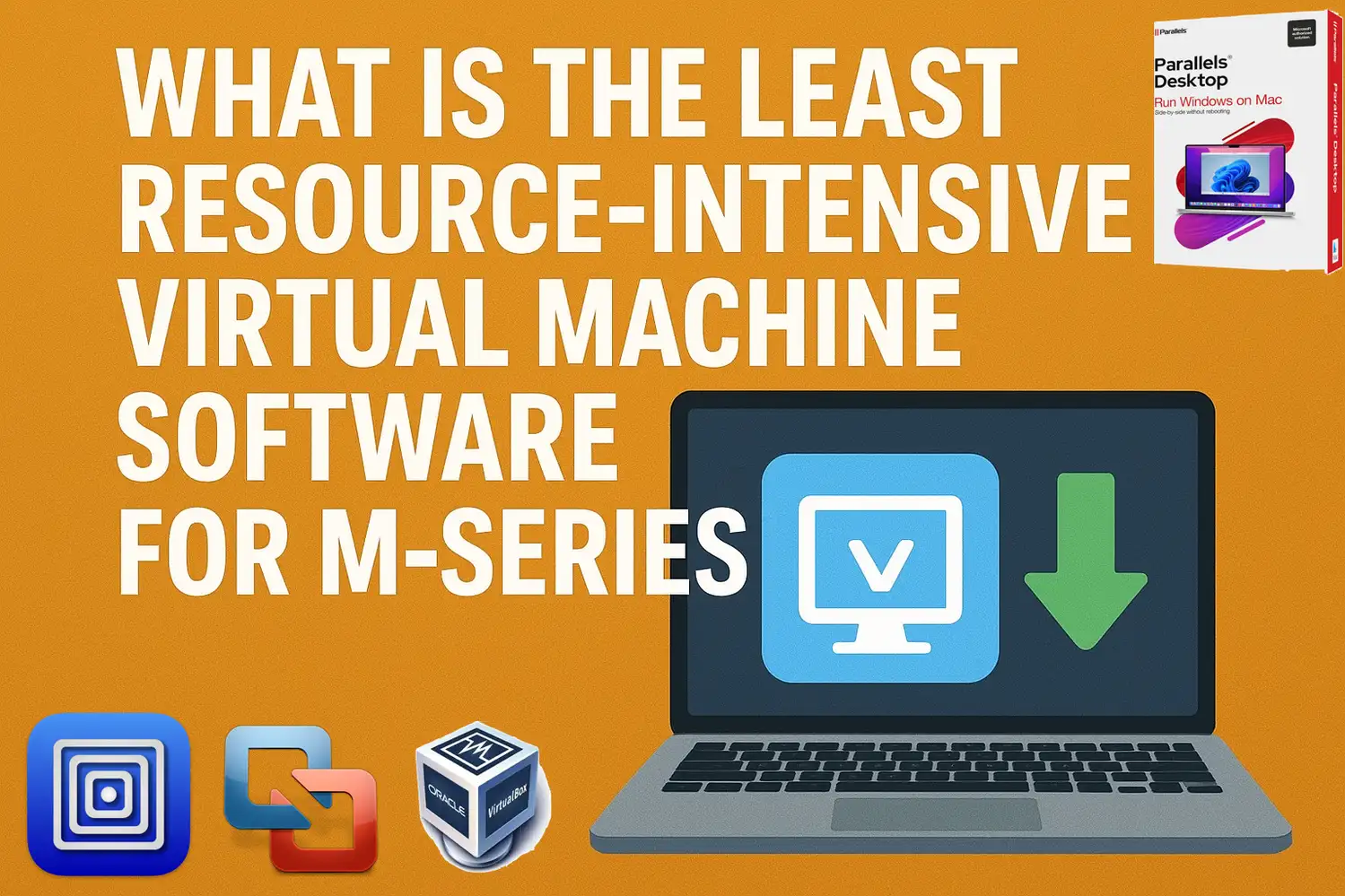
Why Choose a Lightweight VM for Apple Silicon?
Apple’s M-series chips excel at virtualization via the Hypervisor framework, enabling near-native performance for ARM-based OSes like Windows 11 ARM. However:
- Resource Demands: VMs allocate CPU cores and RAM, leaving less for macOS. Lightweight software minimizes overhead.
- Common Use Cases: Running Windows 11 for Office, testing apps, or legacy software without bogging down your MacBook Air.
- Key Metrics: Look for low idle CPU (<5%), RAM usage (<2GB for host overhead), and efficient startup times.
We’ll evaluate based on real-world tests for Windows 11 on M4 and earlier chips.
Top VM Software Comparison for M-Series Macs
Here’s a quick overview of the leading options. All support Windows 11 ARM natively on Apple Silicon.
| Software | Price | RAM Overhead (Idle) | CPU Usage (Idle) | Best For | Windows 11 Support |
|---|---|---|---|---|---|
| UTM | Free | ~1-2GB | <5% | Lightweight emulation | Excellent (ARM) |
| VMware Fusion | Free (Personal) | ~2-3GB | 5-10% | Balanced free performance | Excellent (ARM) |
| Parallels Desktop | $99/year (Discounted by 35% from here) | ~2-4GB | 5-15% | Feature-rich speed | Best (ARM) |
| Oracle VirtualBox | Free | ~3GB+ | 10%+ | Basic, but limited | Fair (ARM beta) |
Data from user benchmarks on M1-M4 Macs.
Detailed Reviews: Least Resource-Intensive Picks
1. UTM: The Ultra-Lightweight Champion
UTM, a free open-source tool based on QEMU, shines for minimal resource use on Apple Silicon. It leverages Apple’s Hypervisor for ARM VMs, achieving near-native speeds for Windows 11 without heavy overhead.
- Resource Usage: Idle RAM around 1-2GB; CPU under 5%. In tests on M4 MacBook Air, it edged out competitors in Geekbench CPU scores while using less power. Emulation for x86 apps adds slight overhead but keeps it lighter than feature-packed rivals.
- Pros:
- Free and customizable for Linux, macOS VMs, or retro OSes.
- Supports external devices; runs multiple VMs efficiently on 8GB Macs.
- No ads or subscriptions—ideal for developers.
- Cons:
- No GPU acceleration for 3D/graphics-intensive Windows apps (e.g., games).
- Setup requires downloading ISOs manually; less polished UI.
- Best For: Users prioritizing low resources over bells and whistles. Install via Mac App Store or GitHub.
2. VMware Fusion: Free and Efficient Balance
VMware Fusion Pro (free for personal use) offers solid performance with moderate resources, auto-downloading Windows 11 ARM for easy setup.
- Resource Usage: ~2-3GB RAM idle; 5-10% CPU. On M1 16GB, it handled two Win11 VMs at 20-30% total usage, but lags behind UTM in pure lightness.
- Pros:
- Supports Metal for basic 3D; great for CAD or light gaming.
- Seamless folder sharing; stable for daily Windows tasks.
- Free with easy ARM Windows install.
- Cons:
- Slightly higher overhead than UTM; no DirectX 12.
- Account registration required for download.
- Best For: Free users needing reliability without UTM’s tweaks.
3. Parallels Desktop: Powerhouse with Trade-Offs
The paid leader in performance, Parallels excels at speed but demands more resources.
- Resource Usage: 2-4GB RAM idle; up to 15% CPU. User tests show it using half the RAM of UTM for dual Win11 VMs on M1, but overall heavier due to features.
- Pros:
- Fastest for Windows 11; Coherence mode integrates apps seamlessly.
- Microsoft-authorized; supports gaming with DirectX 11.
- Auto-optimizes resources on macOS Sequoia/Tahoe.
- Cons:
- Subscription model; highest resource draw for graphics/features.
- Not ideal for base-model Macs.
- Best For: Pros who value speed over minimalism.
Honorable Mention: Vimy
For ultra-minimalists, Vimy (free) launches VMs with <50MB host overhead—potentially the lightest app—but lacks broad support and requires Viable for config. Great for simple ARM Linux, but skip for Windows.
How to Set Up the Lightest VM: UTM for Windows 11
- Download UTM from mac.getutm.app.
- Get Windows 11 ARM ISO from Microsoft.
- Create a new VM: Select “Virtualize” > ARM64 > Add ISO.
- Allocate 4-8GB RAM, 2-4 CPU cores.
- Install and test—expect <2GB idle usage.
Tip: Use “Tiny11” for stripped-down Windows to cut resources further.
Conclusion
For the least resource-intensive VM on M-series Macs, UTM wins for its low overhead, free access, and near-native ARM performance—perfect for running Windows 11 without taxing your MacBook. If you need more features, go VMware Fusion; for top speed, Parallels. Test on your setup, as results vary by workload. Ready to virtualize? Download UTM today and share your benchmarks in the comments. For more Apple Silicon tips, check iTech4Mac.net!
CTA: Explore our M4 Mac optimization guide or Windows on Mac setup.






1 thought on “What is the Least Resource-Intensive Virtual Machine Software for M-Series?”