macOS Tahoe on Unsupported Macs: OpenCore Legacy Patcher expected release date
UPDATED – When will OCLP support macOS Tahoe? The winter 2025 estimate from the developers has passed with no new date given. Here’s what the Dortania team has actually said, which Macs are affected, and what to do while you wait.
📅 Updated: March 13, 2026
This article was originally published November 16, 2025. The winter 2025 and Q1 2026 timeline estimates referenced below did not materialize. As of March 2026, OCLP 3.0.0 stable has still not been released. The OCLP team continues to develop Tahoe support privately with no new public estimate given. The recommendation remains: stay on macOS Sequoia with OCLP 2.4.1 until the official release is announced.
Track live progress: GitHub Issue #1167
As macOS Tahoe (macOS 26) rolls out its Liquid Glass UI and deeper Apple Intelligence features, owners of older Intel Macs face a familiar question: when will OpenCore Legacy Patcher (OCLP) make Tahoe possible on their machine?
This article draws directly from the official OCLP channels — Reddit r/OpenCoreLegacyPatcher and GitHub Issue #1167 — to give you an honest status on v3.0.0 development, the real technical challenges, and what you should do right now.
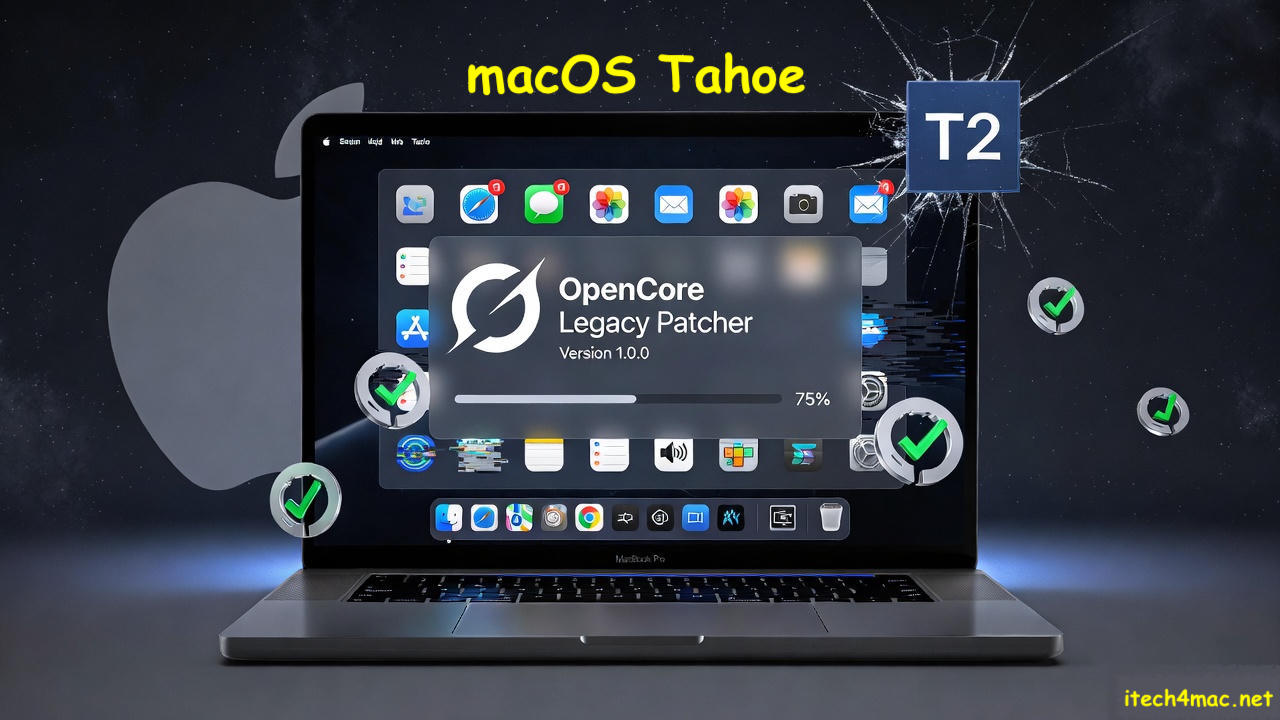
Current Development Status
OCLP’s Tahoe branch on GitHub shows no public commits — which understandably worries the community. But this does not mean development has stalled. Trusted OCLP community helper paradox-1994 confirmed on Reddit:
“Patches are being developed privately. As with every year, we cannot promise when support will be added. As a rough estimate, we hope for the upcoming winter with OpenCore Legacy Patcher v3.0.0.”
— paradox-1994, r/OpenCoreLegacyPatcher
The core OCLP development team — including the two developers behind PatcherSupportPkg (the root patches component) — remains active. GitHub Issue #1167, opened to track Tahoe support, remains open with no milestone assigned, reflecting ongoing research rather than a release being imminent.
⚠️ About the “Winter 2025” Estimate
The “upcoming winter” mentioned by paradox-1994 was a rough, unofficial estimate — not a commitment. As of March 2026, that window has passed without a stable release. The developers have not provided a new public estimate. Any article or source presenting a specific month-by-month release schedule for OCLP 3.0.0 is presenting invented information, not developer commitments.
Which Macs Need OCLP for Tahoe?
Before diving into the technical challenges, it’s important to clarify which Macs OCLP 3.0.0 is actually being built for. OCLP is only relevant for Macs that Apple has dropped from Tahoe’s official support list.
| Category | Models | OCLP Needed? |
|---|---|---|
| Apple officially supports | MacBook Pro 2018+, MacBook Air 2018+, iMac 2019+, Mac Mini 2018+, Mac Pro 2019 | No — install Tahoe normally |
| OCLP target — non-T2 | MacBook Pro 2013–2017, MacBook Air 2013–2017, iMac 2013–2017, Mac Mini 2012/2014, Mac Pro 2013 | Yes — waiting for OCLP 3.0.0 |
| T2 Macs — blocked | Mac Mini 2018, MacBook Air 2018–2020, MacBook Pro 2018–2020, iMac Pro 2017 | Kernel panic — no workaround yet |
Why Tahoe Is Harder Than Sequoia
Each macOS version introduces new barriers for OCLP. Tahoe’s specific challenges are below — note that these are about Apple removing legacy support, not about Tahoe’s new features like Metal 4 or Wi-Fi 7 (which are Apple Silicon-only technologies irrelevant to older Intel hardware).
| Challenge | What It Means | Models Most Affected |
|---|---|---|
| T2 Chip Boot Panics | The T2 security chip in 2018+ Macs triggers a kernel panic when OpenCorePkg tries to boot. No stable workaround exists yet. | MacBook Pro/Air 2018–2020, Mac Mini 2018 |
| Legacy Wi-Fi Kexts Removed | Apple dropped Broadcom Wi-Fi drivers from Tahoe. OCLP must restore these via root patches or the AppleBCMWLANCompanion driver. | All 2013–2017 Macs with Broadcom cards |
| Graphics Driver Changes | Tahoe’s updated graphics stack requires new OCLP root patches to restore Metal 1/2 acceleration on legacy Intel and AMD GPUs. | All non-T2 Intel Macs |
| Stronger SIP / AMFI | Tahoe tightened System Integrity Protection and AMFI enforcement compared to Sequoia, requiring OCLP to handle patching differently. | All OCLP-patched Macs |
| Fusion Drive Support Removed | Tahoe no longer treats Fusion Drives as a unified volume. They appear as split drives. Restoration is an open, unsolved problem. | iMacs and Mac Minis with Fusion Drives |
| FileVault Auto-Encryption | Tahoe can auto-enable FileVault during installation on some non-T2 Macs, causing volume decryption failures afterward. | All OCLP-patched Macs — especially with APFS |
| Audio Kext Changes | AppleHDA changes in Tahoe break analog audio on some models. Full restoration is not yet confirmed across all affected hardware. | iMac 2013–2014, MacBook Pro 2013–2014 |
📌 These challenges are why there’s no release yet
The OCLP team has overcome every one of these categories of problems in previous macOS versions. But each new version requires the work to be done again from scratch for the new OS. Tahoe’s SIP changes and the T2 barrier in particular require new approaches, not just incremental updates to existing patches.
What the Community Is Saying
The r/OpenCoreLegacyPatcher community has been monitoring progress closely. The key signal from the November 2025 thread — which received over 30 comments and strong upvotes — was clear: development is happening, but patience is required.
Community follow-ups on GitHub Issue #1167 confirm the team is working through the T2 barrier as the primary blocker. Non-T2 Mac users report experimental success with nightly builds for basic booting, but with significant caveats around missing audio, Wi-Fi needing manual patches, and UI performance being slower than Sequoia.
The sentiment across both GitHub and Reddit is consistently: optimistic but patient. Nobody close to the project is predicting imminent release, and the developers themselves have declined to give a new estimate since the winter 2025 window passed.
What to Do While You Wait
✅ Recommended: Stay on Sequoia + OCLP 2.4.1
macOS Sequoia with OCLP 2.4.1 is the current stable, fully-supported option for all legacy Intel Macs. It runs well, receives security updates, and is what the OCLP team recommends. There is no compelling reason to leave Sequoia before OCLP 3.0.0 stable releases.
- Back up everything now — use Carbon Copy Cloner to an external drive, not just Time Machine. When OCLP 3.0.0 drops you’ll want to be ready to move quickly, and a full clone is your safety net if something goes wrong.
- Stay on macOS Sequoia with OCLP 2.4.1 — this is fully supported, stable, and still receiving security updates. Do not downgrade to an older macOS.
- Run Apple Diagnostics on your Mac — hold D at startup to check for hardware issues before attempting any future upgrade. Problems you don’t know about now can cause confusing failures later.
- Bookmark the right sources — GitHub Issue #1167 and r/OpenCoreLegacyPatcher are where the announcement will first appear. Everything else is secondhand.
- Do not use unofficial mirrors or nightly builds as your daily driver — nightly builds are for experimental testing only. They are not updated, tested, or supported the same way stable releases are.
🚫 T2 Mac Owners — No Action Available
If your Mac has a T2 chip (Mac Mini 2018, MacBook Air/Pro 2018–2020), there is currently no path to macOS Tahoe via OCLP. Do not attempt nightly builds — kernel panic is guaranteed. Stay on Sequoia and monitor GitHub Issue #1167 specifically for T2 support news, which the developers have said requires extensive separate research.
The Bottom Line
OCLP 3.0.0 development is real and ongoing — confirmed directly by the OCLP team through official channels. The “upcoming winter” estimate from November 2025 did not pan out, and no new date has been given as of March 2026. That’s not a sign of failure — it’s a sign that the T2 barrier and Tahoe’s new SIP enforcement are genuinely hard problems that can’t be rushed without breaking things.
The OCLP team has delivered Tahoe-equivalent support for every major macOS release since Big Sur. There’s every reason to believe they’ll do it again. When they do, the announcement will come through the official GitHub releases page first — and this article will be updated with a direct link to the installation guide.
Until then: Sequoia + OCLP 2.4.1, full backup ready, and watch the official channels.
Official Links — Track Progress Here
- OCLP stable releases: github.com/dortania/OpenCore-Legacy-Patcher/releases
- Tahoe support tracker (Issue #1167): github.com/dortania/OpenCore-Legacy-Patcher/issues/1167
- Reddit community: r/OpenCoreLegacyPatcher
- MacRumors forums: forums.macrumors.com — search “macOS Tahoe unsupported macs”
- OCLP supported models list: dortania.github.io/OpenCore-Legacy-Patcher/MODELS.html
Disclaimer: This article is provided for educational and informational purposes only. The author is not affiliated with Apple Inc. or the OpenCore Legacy Patcher project. Installing macOS on unsupported hardware carries risks including data loss and system instability. Always back up your data before making any changes to your system.