Which Macs Are Waiting for OCLP Tahoe Support? Full Status List 2026
As of March 2026, no Mac can install macOS Tahoe via OCLP — stable Tahoe support has not been released. But the question of which Macs are in the queue is important for planning. This article breaks down every category of unsupported Mac and its current Tahoe OCLP status.
Why Does OCLP Only Apply to Some Macs?
OCLP is relevant only for Macs that Apple has dropped from the official macOS Tahoe support list. If your Mac is officially supported by macOS Tahoe, you do not need OCLP at all.
Apple officially supports macOS Tahoe on the following hardware minimum:
- MacBook (2020 and later)
- MacBook Air (2020 and later)
- MacBook Pro (2020 and later)
- Mac mini (2020 and later)
- iMac (2021 and later)
- Mac Pro (2023 and later)
- Mac Studio (all models)
Every Intel Mac older than these cutoffs is a candidate for OCLP — once Tahoe support ships.
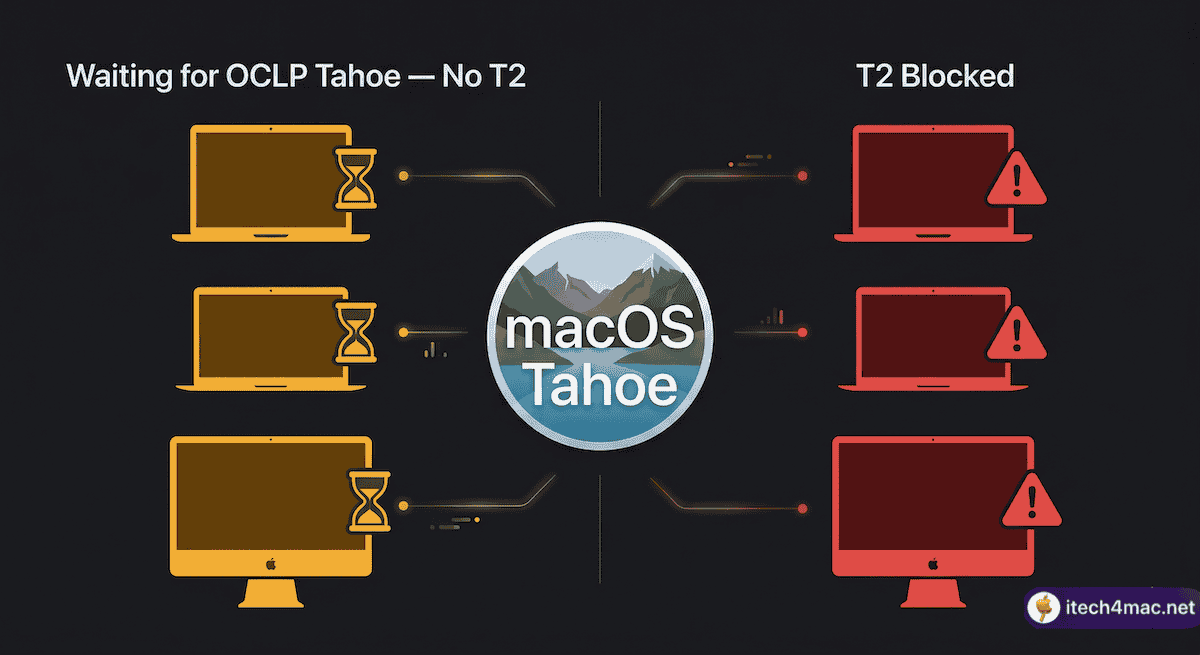
Macs Waiting for OCLP Tahoe Support
Category 1: Non-T2 Intel Macs (Most Likely to Work First)
These Macs do not contain the T2 security chip, which is the primary blocker for OCLP 3.0.0. They are the most likely to receive working Tahoe support once the team resolves the core patching challenges:
| Model | T2 Chip | OCLP 3.0 Status |
|---|---|---|
| MacBook Pro 2015–2017 | ❌ No | ⏳ Waiting — no T2 blocker |
| MacBook Air 2015–2017 | ❌ No | ⏳ Waiting — no T2 blocker |
| iMac 2013–2019 | ❌ No | ⏳ Waiting — no T2 blocker |
| Mac mini 2012–2017 | ❌ No | ⏳ Waiting — no T2 blocker |
| Mac Pro 2013 | ❌ No | ⏳ Waiting — no T2 blocker |
| MacBook 2015–2017 | ❌ No | ⏳ Waiting — no T2 blocker |
Category 2: T2 Intel Macs (Active Blocker)
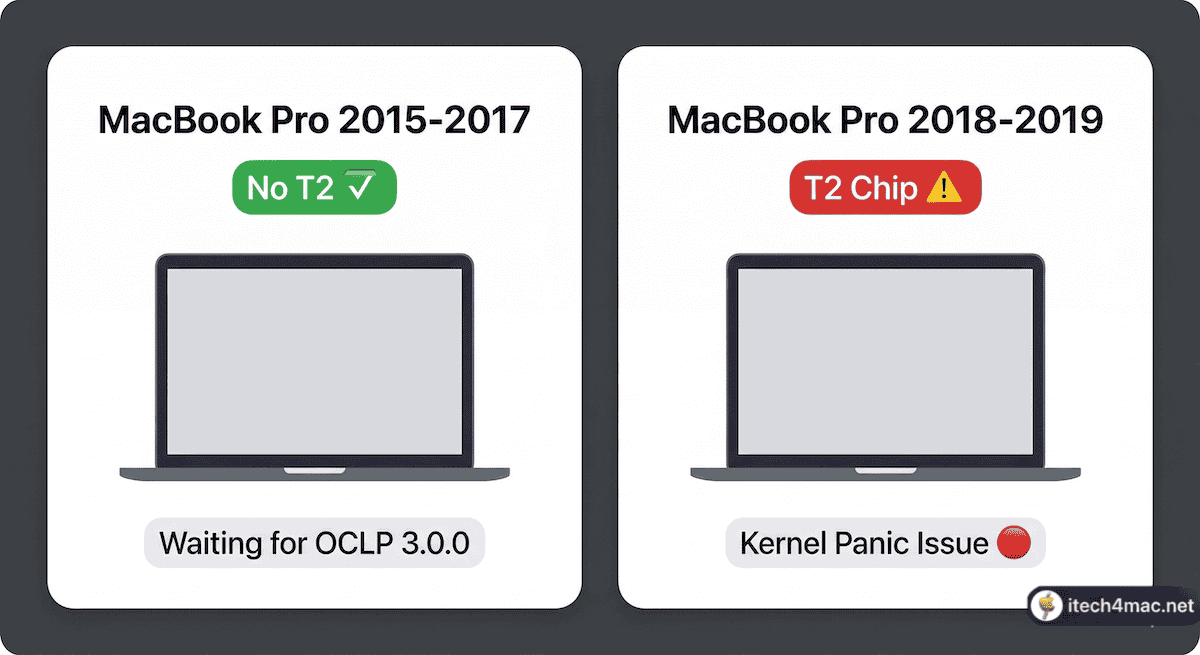
These Macs contain Apple’s T2 security chip. Tahoe’s new SIP enforcement causes kernel panics on T2 machines before the OS loads. This is the primary unsolved technical challenge for the OCLP team:
| Model | T2 Chip | OCLP 3.0 Status |
|---|---|---|
| MacBook Pro 2018–2019 | ✅ Yes | 🔴 Blocked — T2 kernel panic |
| MacBook Air 2018–2019 | ✅ Yes | 🔴 Blocked — T2 kernel panic |
| Mac mini 2018 | ✅ Yes | 🔴 Blocked — T2 kernel panic |
| Mac Pro 2019 | ✅ Yes | 🔴 Blocked — T2 kernel panic |
| iMac Pro 2017 | ✅ Yes | 🔴 Blocked — T2 kernel panic |
What About the 2020 Intel Macs?
The MacBook Pro (2020 Intel), MacBook Air (2020 Intel), and iMac (2020) are still officially supported by macOS Tahoe by Apple. These Macs do not need OCLP — they can update to Tahoe directly through System Settings. Do not install OCLP on these machines.
Where to Monitor Official Progress
The most reliable signal for OCLP 3.0.0 Tahoe support will be an official tag on the GitHub releases page. Do not rely on YouTube videos, forum estimates, or rumours. Watch:
- GitHub Releases
- r/OpenCoreLegacyPatcher on Reddit
- itech4mac.net OCLP tag (this site — we update immediately on release)