OCLP 2.4.1: The Last Stable Version – What It Does and What Comes Next?
OCLP 2.4.1 is currently the last official stable release of OpenCore Legacy Patcher — and it may remain so for some time. Here is a complete breakdown of what it does, which Macs it supports, and how it fits into the larger picture for Intel Mac users in 2026.
What Is OCLP 2.4.1?
Released in September 2024, OCLP 2.4.1 is the version of OpenCore Legacy Patcher that enables unsupported Intel Macs to run macOS Sequoia (macOS 15) — including the latest security updates such as macOS 15.7.5. It is a free, open-source tool maintained by the Dortania community.
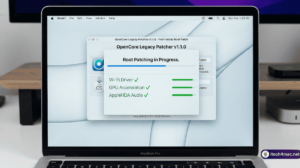
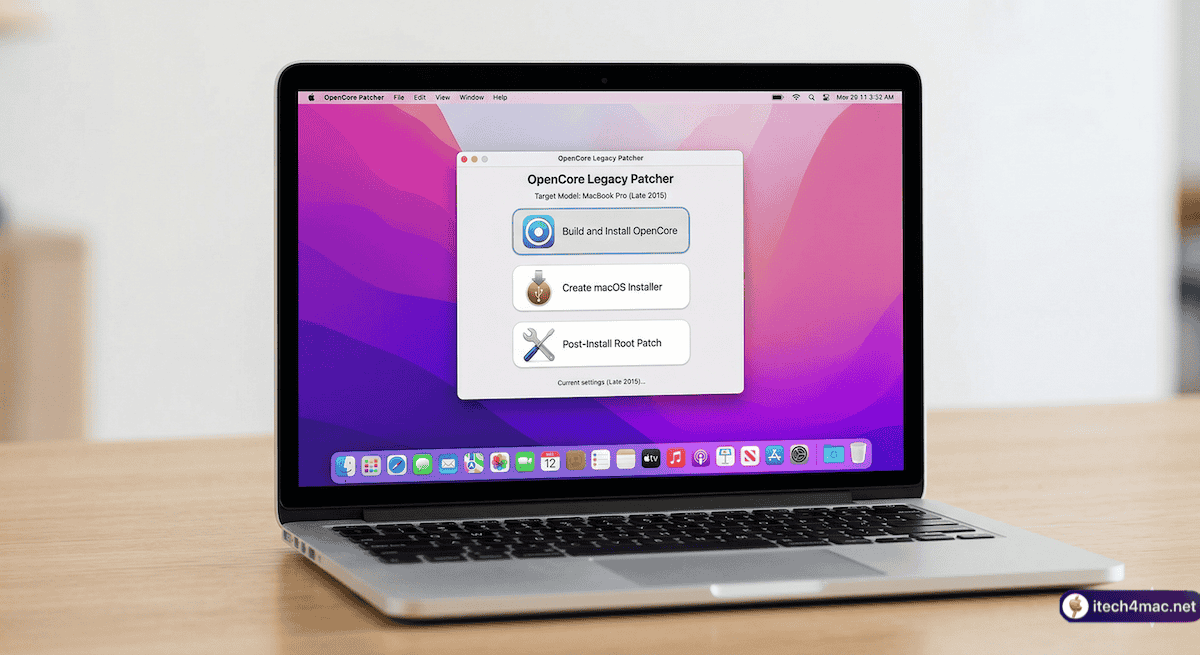
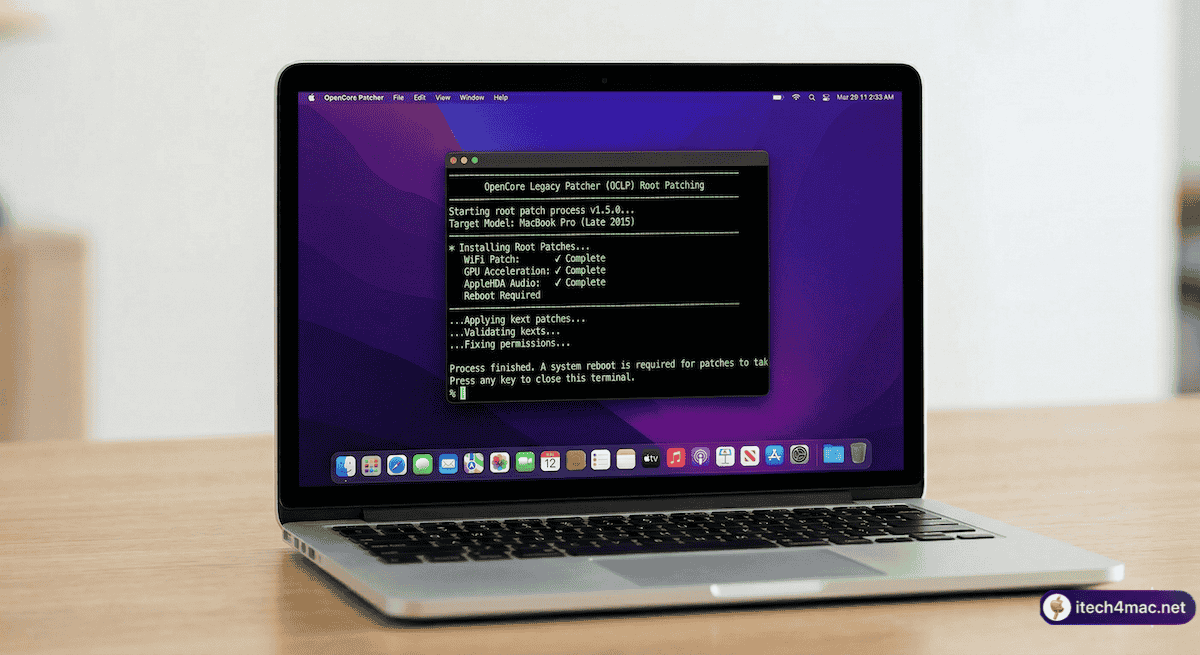
OCLP works by building a customised OpenCore bootloader for your specific Mac model, bypassing Apple’s hardware compatibility checks. After installation, it applies “root patches” that restore drivers for Wi-Fi, Bluetooth, GPU acceleration, and audio — hardware that Apple’s stock macOS Sequoia installer would otherwise leave non-functional on older machines.
What Does OCLP 2.4.1 Support?
macOS Versions
- macOS Sequoia 15.x — full support including latest security updates
- macOS Sonoma 14.x — fully supported
- macOS Ventura, Monterey, Big Sur — supported for older hardware
Mac Hardware
OCLP 2.4.1 supports Intel Macs dating back to 2007 (with Metal GPU). The general rule is: if your Mac has a Metal-compatible GPU (most Macs from 2012 onward), it can run macOS Sequoia via OCLP. Macs from 2008–2011 with non-Metal GPUs are better served by macOS Monterey.
| Mac Model | Recommended macOS via OCLP |
|---|---|
| MacBook Pro 2013–2016 | macOS Sequoia 15.x |
| MacBook Air 2013–2017 | macOS Sequoia 15.x |
| iMac 2013–2019 | macOS Sequoia 15.x |
| Mac mini 2012–2018 | macOS Sequoia 15.x |
| Mac Pro 2010–2013 | macOS Sequoia 15.x (with Metal GPU upgrade) |
| MacBook 2015–2017 | macOS Sequoia 15.x |
| iMac 2009–2012 (non-Metal) | macOS Monterey 12.x |
Key Features of OCLP 2.4.1
Root Patches (Post-Install)
After installing macOS Sequoia, OCLP’s root patching restores critical hardware support:
- Wi-Fi: Restores legacy Broadcom and Intel Wi-Fi cards (2007–2017 models)
- GPU Acceleration: Non-Metal patch set for older NVIDIA and AMD GPUs; MetallibSupportPkg for Kepler and Intel HD 4000
- Audio: AppleHDA audio support for legacy hardware
- Bluetooth: Legacy Bluetooth drivers
- T1 Chip: Touch ID and Apple Pay functionality for 2016–2017 models
SIP (System Integrity Protection)
OCLP automatically sets the correct SIP level for your Mac. Most 2013+ Metal Macs can run with full SIP enabled. Non-Metal systems and some GPU configurations require lowered SIP, which OCLP handles automatically.
How to Download OCLP 2.4.1
Always download from the official Dortania GitHub repository. Do not use third-party sites or mirrors.
Official download: github.com/dortania/OpenCore-Legacy-Patcher/releases/tag/2.4.1
What Comes After 2.4.1?
OCLP 3.0.0 is the next planned major release, being built to support macOS Tahoe. However, as of March 2026:
- No stable release date has been announced
- The lead developer has left the project
- The team has stopped accepting donations
- T2 Mac support remains an unsolved technical challenge
For the full picture, read our article: Is Your Old Mac Stuck on Sequoia Forever? The OCLP & Tahoe Reality in 2026.
Should You Install OCLP 2.4.1 Today?
Yes — if you own an unsupported Intel Mac that is currently running Sonoma or an older macOS. OCLP 2.4.1 + macOS Sequoia is the recommended, stable configuration for old Mac users in 2026. It gives you the best balance of modern software compatibility, security updates, and hardware stability.
✅ Full Time Machine backup
✅ Check your Mac model is on the OCLP supported list
✅ Download OCLP only from official GitHub
✅ Have a USB drive (16GB+) ready for the bootable installer
✅ Ensure Ethernet access during root patching if your Wi-Fi card is legacy